I Wanted to Write, Not Publish
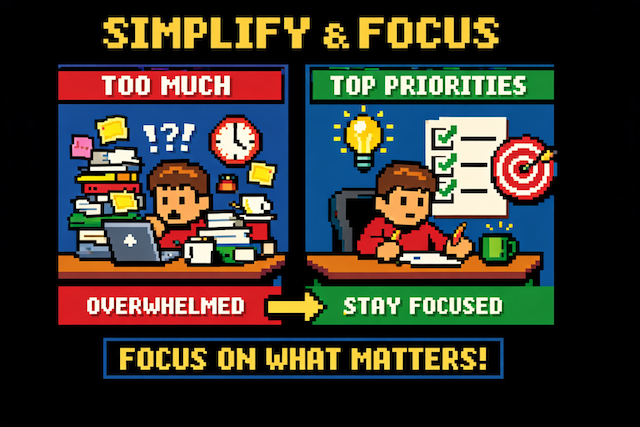
I Wanted to Write, Not Publish
What I wanted in the beginning was to have an independent, cheap, and reliable platform to publish my words. I found Github Pages + a nice template. It worked as I desired.
I could have focused on writing… Well, it turned out, I couldn’t have done.
The Publishing Problem
What didn’t work well was the process of publishing.
With a git repository, I wasn’t only responsible for writing. It wasn’t just a one-click solution.
I had to copy-paste the last .md file, then fill in all the details, then create the image, then create the branch, then commit, then deploy, etc. Most of my time, I didn’t spend on writing.
The Simple Solution
Thanks to Claude Code and Terminal, I could focus once again on writing. The solution was simple: I created an instruction template for Claude Code. Once I finish writing, I copy-paste the text, and ask Claude Code to do its work.
The automation handles:
- Creating the blog post file with proper frontmatter
- Suggesting slug, title, tags, and SEO optimization
- Generating ChatGPT prompts for pixel art images
- Following the established structure and style
Here’s the Template
You can download the template here: .n.md
Now when I want to publish, I just run one command and paste my text. Claude Code takes care of the rest - the file structure, the metadata, the formatting. I’m back to doing what I wanted to do in the first place: writing.
Sometimes the best productivity hack isn’t working harder. It’s automating the parts that don’t need your creativity.
Happy writing!
Thanks for reading! If you'd like to share your thoughts send me an email.